

Compare 6 Smartsheet alternatives for portfolio leaders and see which fits when the grid stops answering board questions.
Eight options for leaders who want governance depth on a shorter path to value

Key Takeaways
Leaders who leave Planview usually point to implementation complexity and total cost, since its governance depth is rarely in doubt.
The eight tools compared here are Tempo Loop, Atlassian Align, Broadcom Clarity, Planisware, Smartsheet, ServiceNow SPM, Adobe Workfront, and Wrike.
Tempo Loop is the best Planview alternative – it connects to the systems a portfolio already runs on, and flags strategic drift while there is still time to act.
Planview gives portfolio leaders the governance depth they need, and the reason many consider leaving is the effort it takes to implement.
G2 reviewers report an average implementation time of about five months, and one implementation partner puts a portfolio-level rollout at twelve to twenty-four weeks.
That is a long wait for a PMO whose board is asking for the view “RIGHT NOW”. The alternatives below are less complex to implement, but differ on what they do and who they suit. We also explain when staying on Planview actually makes sense.
The reasons for leaving Planview differ from one PMO to the next. Overall, implementation complexity, rollout time, and cost, tend to be the main reasons for switching.
Nevertheless, we’ve covered every reason below, holding every alternative to the same five checks:
Rollout time. How long before your team has a portfolio view it would defend in a review?
Who owns the configuration? Once onboarding ends, can PMO staff change views and thresholds themselves, or does each change go back to a specialist?
What happens when work drifts? Does the tool flag work that veers away from the strategy, and does it suggest a fix or leave someone to interpret the status?
Financial governance depth. Can you track budget against actuals and CapEx/OpEx at portfolio level? This is where Planview is strongest, so it deserves a close look.
How delivery data arrives. Does work data from systems such as Jira and Azure DevOps reach the portfolio view through an integration that someone owns and maintains?
The right fit depends on what you value most in a Planview alternative.
Tool | Category | Best for | Connects to delivery tools | Starting price |
Tempo Loop | The evolution of Strategic Portfolio Management – Intelligent Portfolio Orchestration | Drift detection and recommended fixes | Jira and Azure DevOps, with Linear coming soon | |
Atlassian Align | Enterprise agile planning | Scaled agile inside Atlassian | Native to Atlassian | |
Broadcom Clarity | Enterprise PPM and SPM | Enterprise breadth from another vendor | Integrations | |
Planisware | Enterprise portfolio management | R&D-heavy and capital-intensive portfolios | Bidirectional Jira Connector | |
Smartsheet | Work management | Fast adoption on a familiar grid | Premium Jira Connector | |
ServiceNow SPM | Portfolio management on the ServiceNow platform | ServiceNow-standardized enterprises | Built into ServiceNow | |
Adobe Workfront | Collaborative work management | Marketing and creative portfolios | Integrations | |
Wrike | Work management | Process-heavy workflows | Two-way sync tools, bundled in Apex |
Confirm current pricing directly with each vendor before finalizing your shortlist. Prices and tiers shift often.
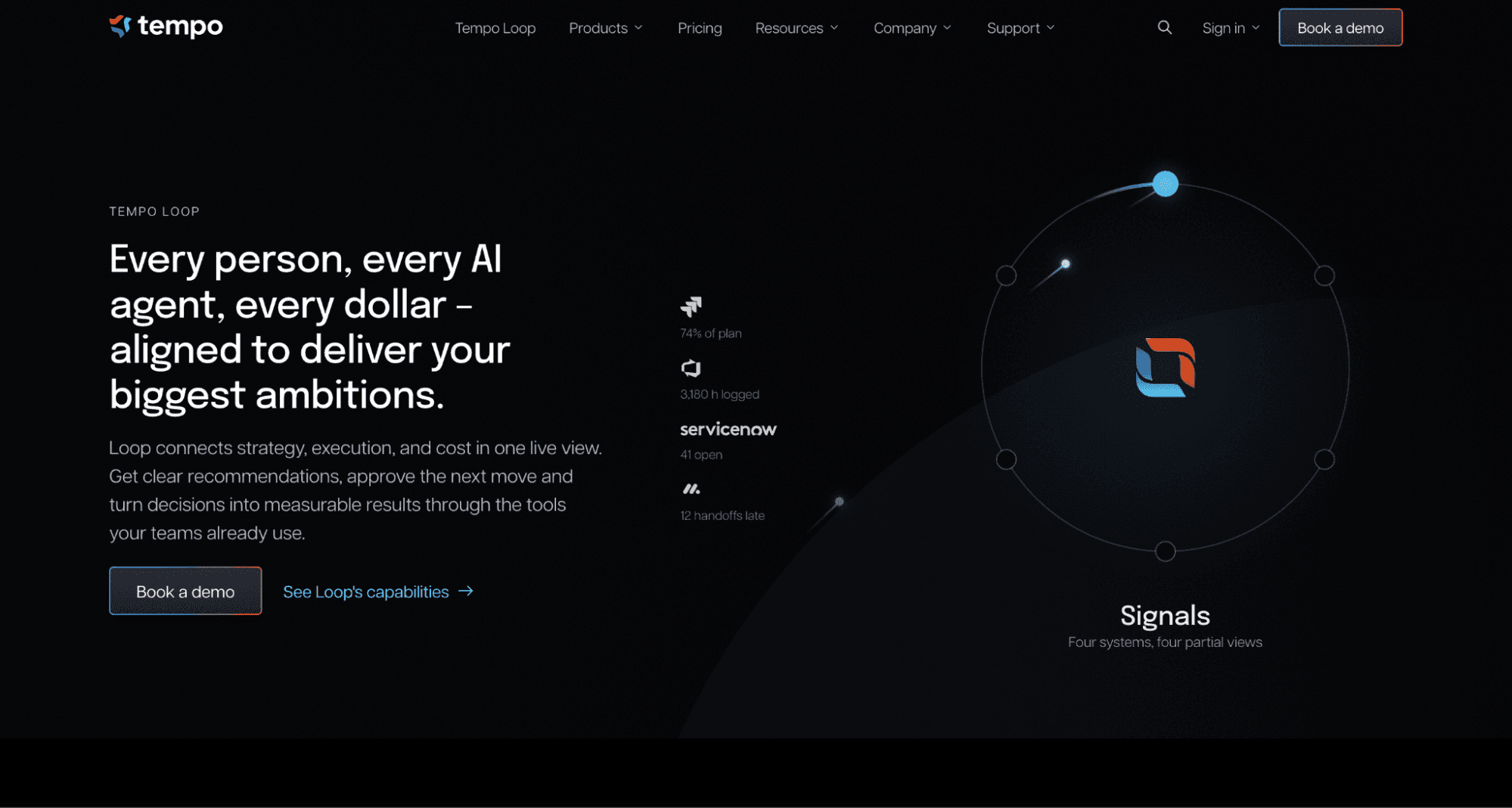
Best for: Portfolio leaders who want a current portfolio view and recommendations when work drifts from strategy.
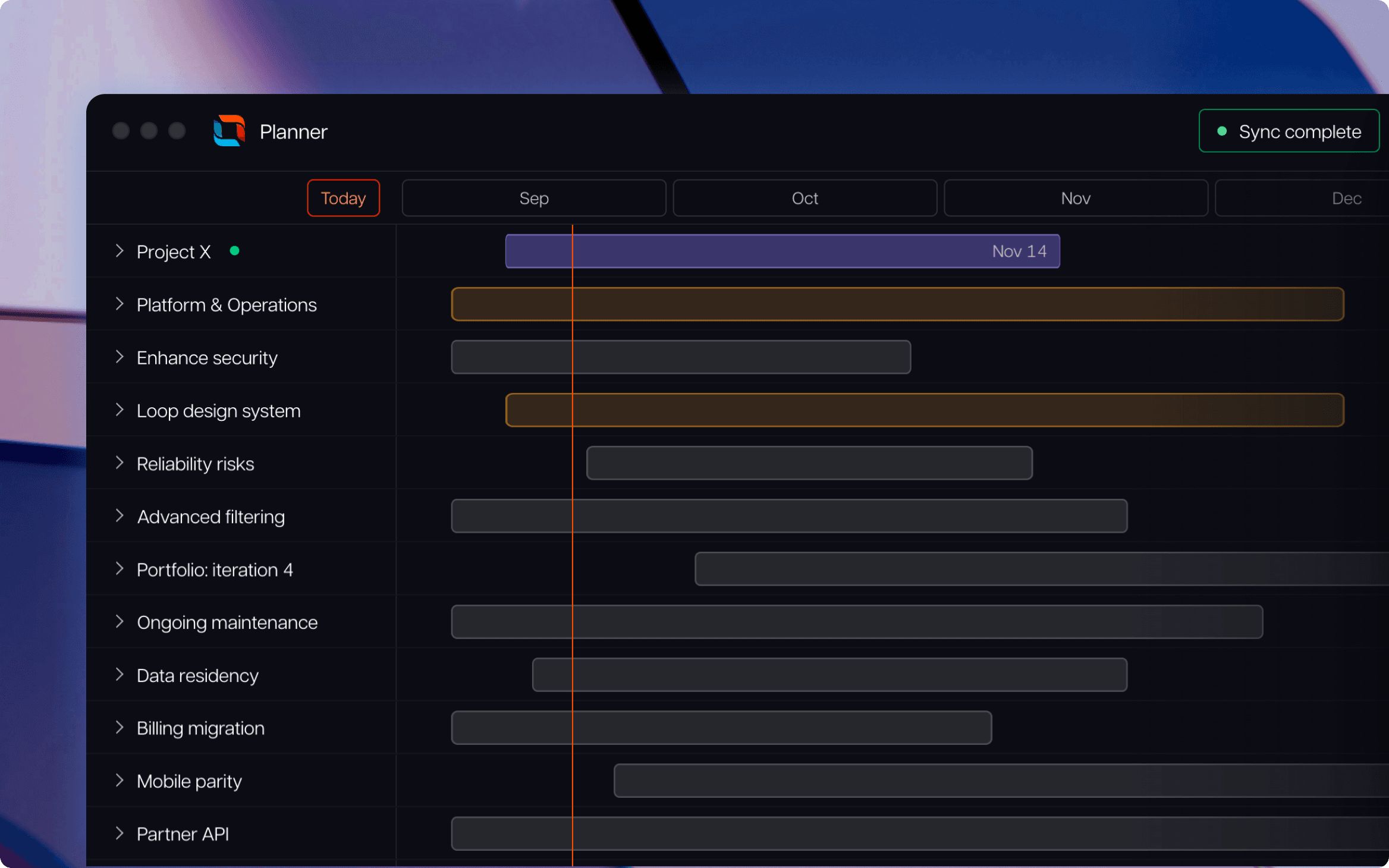
Tempo Loop carries strategic portfolio management (SPM) into its next stage, Intelligent Portfolio Orchestration. The product reads the systems your portfolio already runs on, so nothing has to move before it starts working. It then brings time, capacity, spend, and financial data into one continuously updated view of current work and the strategy behind it.
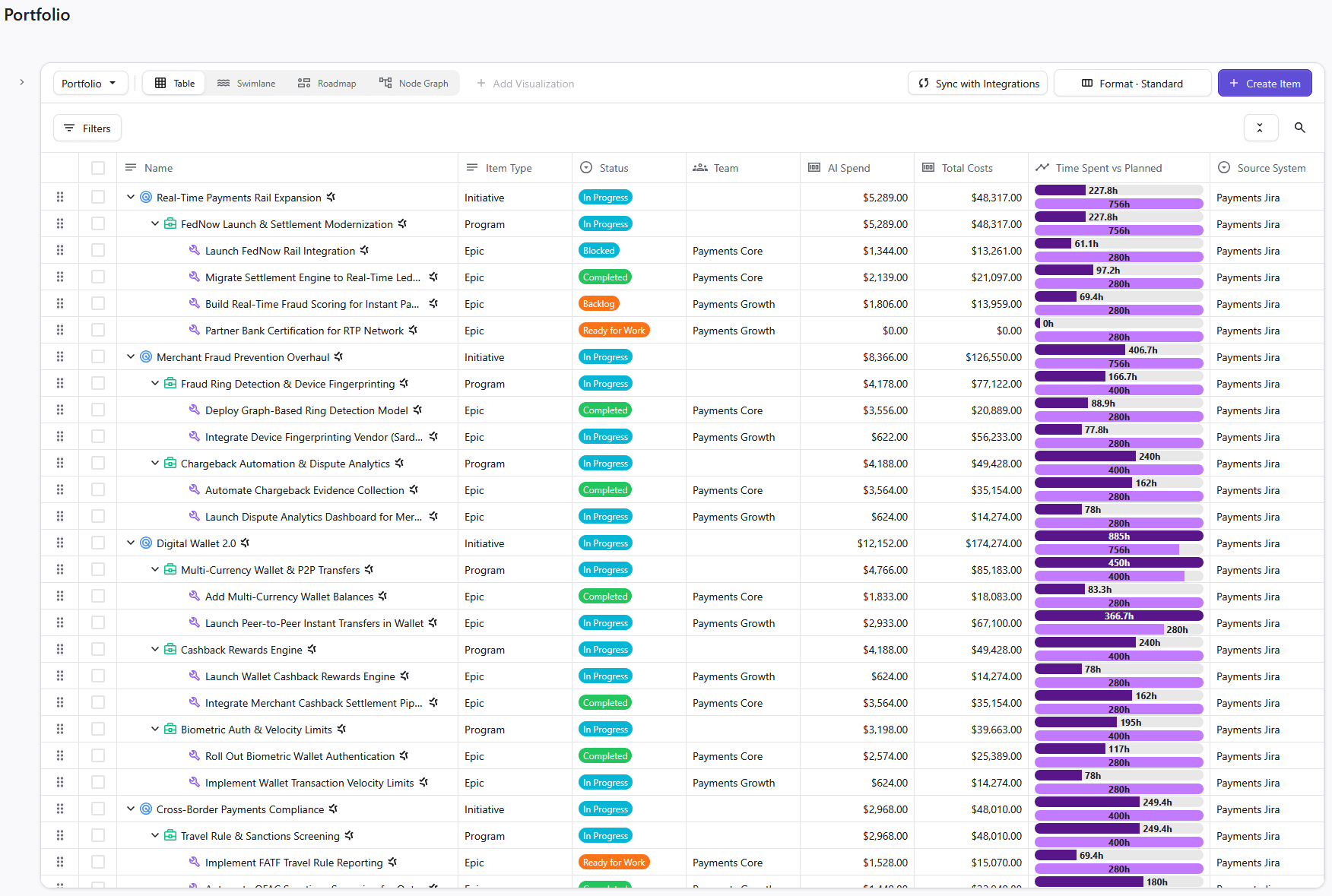
When work drifts, Loop flags it and lists your options alongside tradeoffs. Approved actions sync back to the source system, Loop learns from them, and sharpens future recommendations.
Versus Planview: Loop reads the systems where work already lives. Planview offers deeper financial governance, but Loop is faster to roll out and assists with decisions when work drifts.
Jira and Azure DevOps are Loop’s first integrations, with Linear coming soon. Jira-first teams that want a portfolio hierarchy inside Jira can pair Loop with Tempo Structure PPM, the Jira-native layer beneath it.
Pros:
Needs no migration off the tools your teams already use – works with Jira, Azure DevOps
Recommends a specific next move, with the tradeoffs shown
Governs human and AI work in the same system
Cons:
Runs alongside your delivery tools, so it doesn't replace them
Learns from each decision cycle, so recommendations take time to sharpen
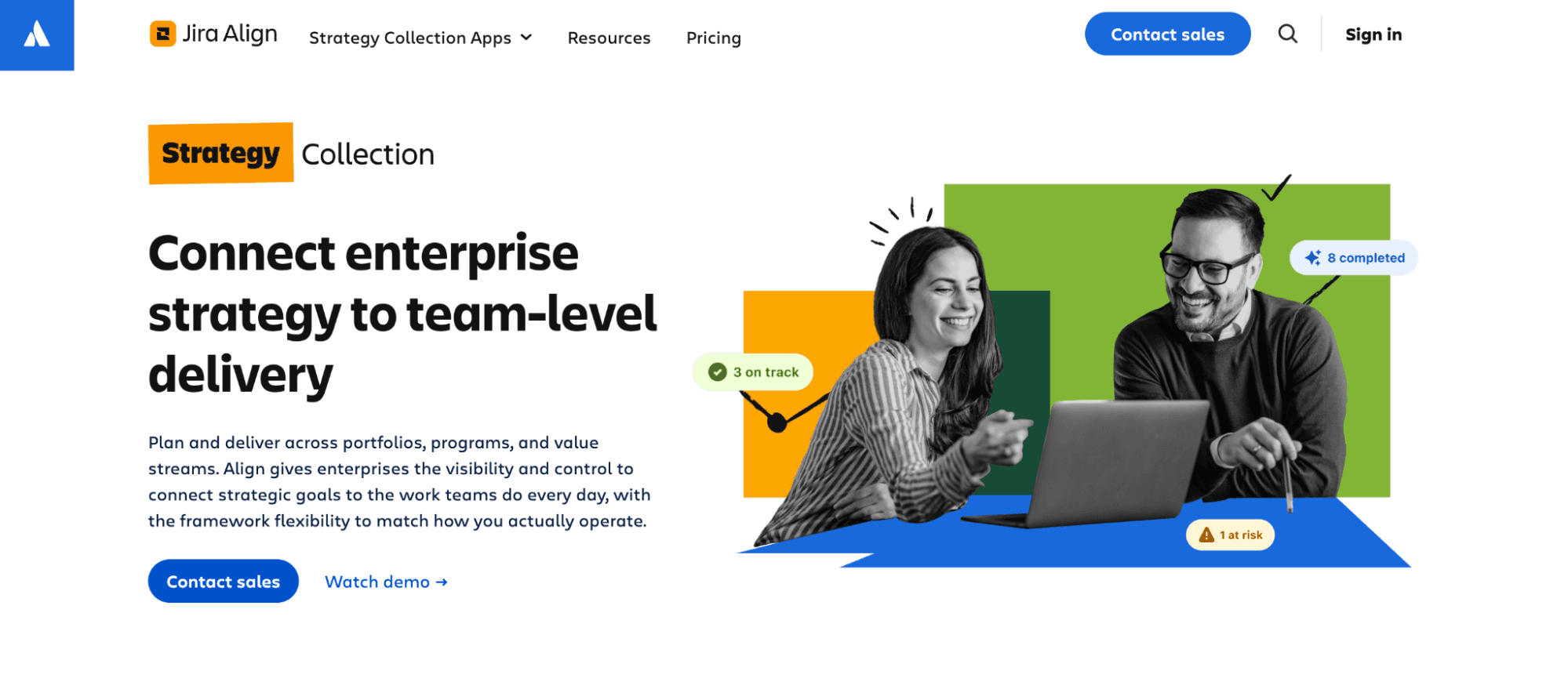
Best for: Atlassian-standardized enterprises running scaled agile that want portfolio planning tied to their Jira work.
Atlassian Align connects enterprise strategy to team-level delivery, giving program and portfolio leaders one view of progress, risks, and dependencies across teams. It supports scaled agile frameworks (SAFe), and it coordinates with teams that keep working in Jira and Azure DevOps.
That makes it a natural step for organizations that already live in Atlassian's tools and run most of their work in an agile cadence.
Versus Planview: Planview governs waterfall and agile portfolios across many systems, while Align concentrates on agile-at-scale planning around Atlassian's tools. Align is one of three apps in Atlassian's “Strategy Collection”, alongside “Focus” and “Talent”, which Atlassian sells as a single offering.
Pros:
Works with teams in Jira and Azure DevOps
Supports scaled agile frameworks including SAFe
Sits within one vendor relationship for strategy and delivery tools
Cons:
Sold as part of the Strategy Collection
Built around agile-at-scale planning, so a mostly waterfall portfolio may use less of it
Best for: PMOs whose concern is Planview as a vendor and who still need enterprise-grade governance.
Broadcom Clarity is a direct competitor to Planview, covering financial planning, resource management, and capacity planning across large portfolios. Its Vaia assistant adds AI summaries and resource allocation recommendations, and the platform extends into professional services automation for organizations that need it.
For a PMO that wants Planview's breadth under a different owner, that makes Clarity a straightforward comparison.
Versus Planview: The two cover similar ground, so the decision often rests on the vendor relationship and how each connects to your delivery tools. A rollout this broad deserves a plan, so ask early who will own that connection.
Pros:
Broad financial planning, resource management, and capacity planning
Vaia assistant for summaries and resource allocation recommendations
Professional services automation for firms that need it
Cons:
Reviewers cite room for improvement in reporting, tool integration, and interface design
Sits in the same enterprise weight class as Planview, so it may not shorten the path to a first view
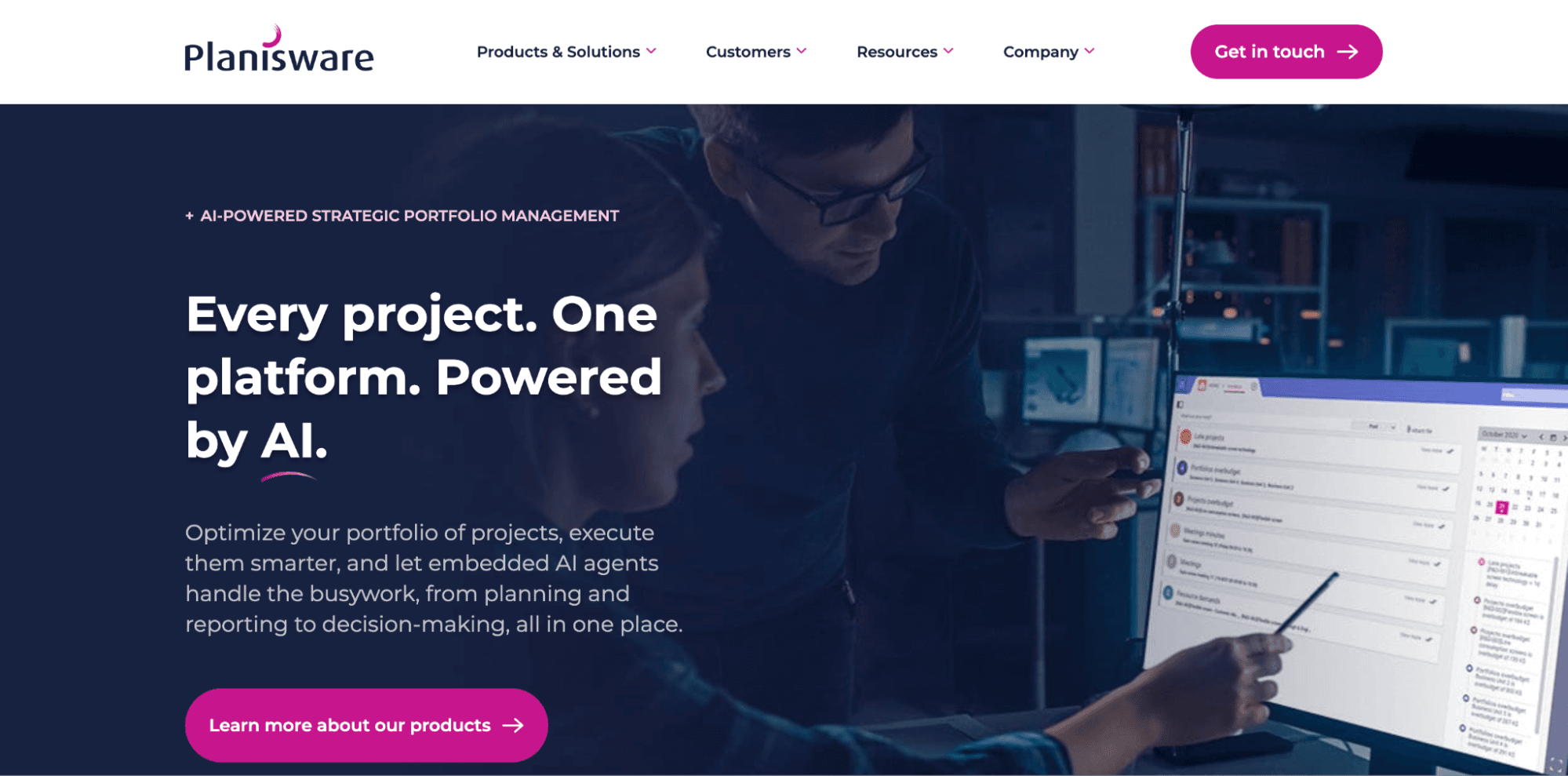
Best for: Enterprises with R&D-heavy or capital-intensive portfolios that need scenario depth and formal governance.
Planisware was built for organizations where portfolio governance connects directly to investment decisions, and its strongest footing is in R&D-heavy and asset-intensive industries. It offers portfolio optimization, scenario modeling, financial governance, and resource planning, and its Oscar assistant helps users work through planning tasks and surface portfolio risks.
A bidirectional Jira Connector keeps progress in sync, so delivery teams stay in Jira while portfolio managers work in Planisware.
Versus Planview: Both target enterprise-scale governance. Planisware's edge shows in R&D-heavy and capital-intensive portfolios, and its Jira-to-Planisware split means a second system to configure and maintain.
Pros:
Deep scenario modeling and financial governance
Bidirectional Jira Connector for Jira and Azure DevOps teams
Product lines tuned to R&D, IT, and asset-heavy portfolios
Cons:
More upfront configuration than lighter tools, by Planisware's own account
Strongest fit sits in R&D-heavy and capital-intensive industries, so other portfolios may use less of it
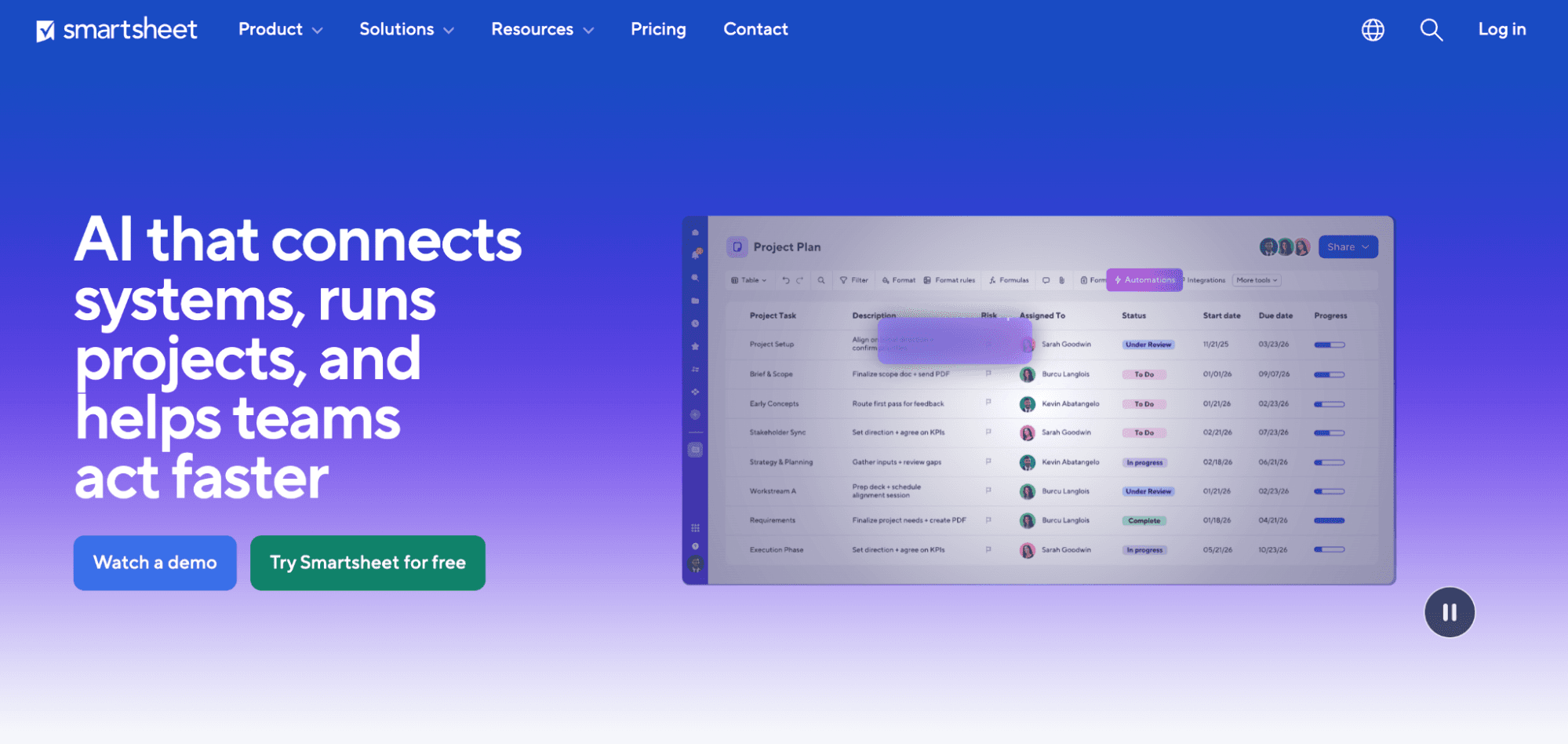
Best for: PMOs that value fast adoption and a familiar grid.
Smartsheet organizes work in a spreadsheet-style grid with Gantt, card, and calendar views, dashboards, and automation, which is why teams pick it up quickly. Its Portfolio views, Resource Management, and Control Center sit in higher tiers or add-ons, so it helps to price the tier you will need.
Versus Planview: Smartsheet trades governance depth for speed. A PMO that uses Planview mainly for reporting and visibility can reach a working view sooner, though teams that lean on portfolio-level CapEx and OpEx tracking should test how far Smartsheet goes. Its Jira Connector syncs in either direction, though it’s a premium offering included in its Advanced Work Management.
Pros:
Familiar grid that shortens onboarding
Gantt, card, and calendar views with dashboards in one platform
Jira Connector with one-way or two-way sync
Cons:
Portfolio-level features cost extra, so the entry price understates what a PMO will actually pay
Less depth than dedicated strategic portfolio platforms for investment governance
Best for: Enterprises already standardized on ServiceNow that want portfolio governance beside their service workflows.
ServiceNow Strategic Portfolio Management brings demand intake, resource management, financial planning, and project and portfolio tracking onto the platform many IT organizations already use for service management.
Its “Prime” tier adds strategic planning and investment funding, and built-in AI supports tasks such as generating project tasks and surfacing risks. Because everything shares one platform, a ServiceNow-standardized organization gets portfolio governance without adding another vendor.
Versus Planview: ServiceNow SPM arrives as part of a wider platform, so it compares best when your organization already runs on ServiceNow. Without that footprint, the comparison becomes a platform decision.
Pros:
Demand, resource, financial, and project management on one platform
AI included across ServiceNow's April 2026 tier structure
Familiar footing for teams already on ServiceNow
Cons:
A platform decision for teams without ServiceNow
Reviewers describe a steep learning curve and an involved setup
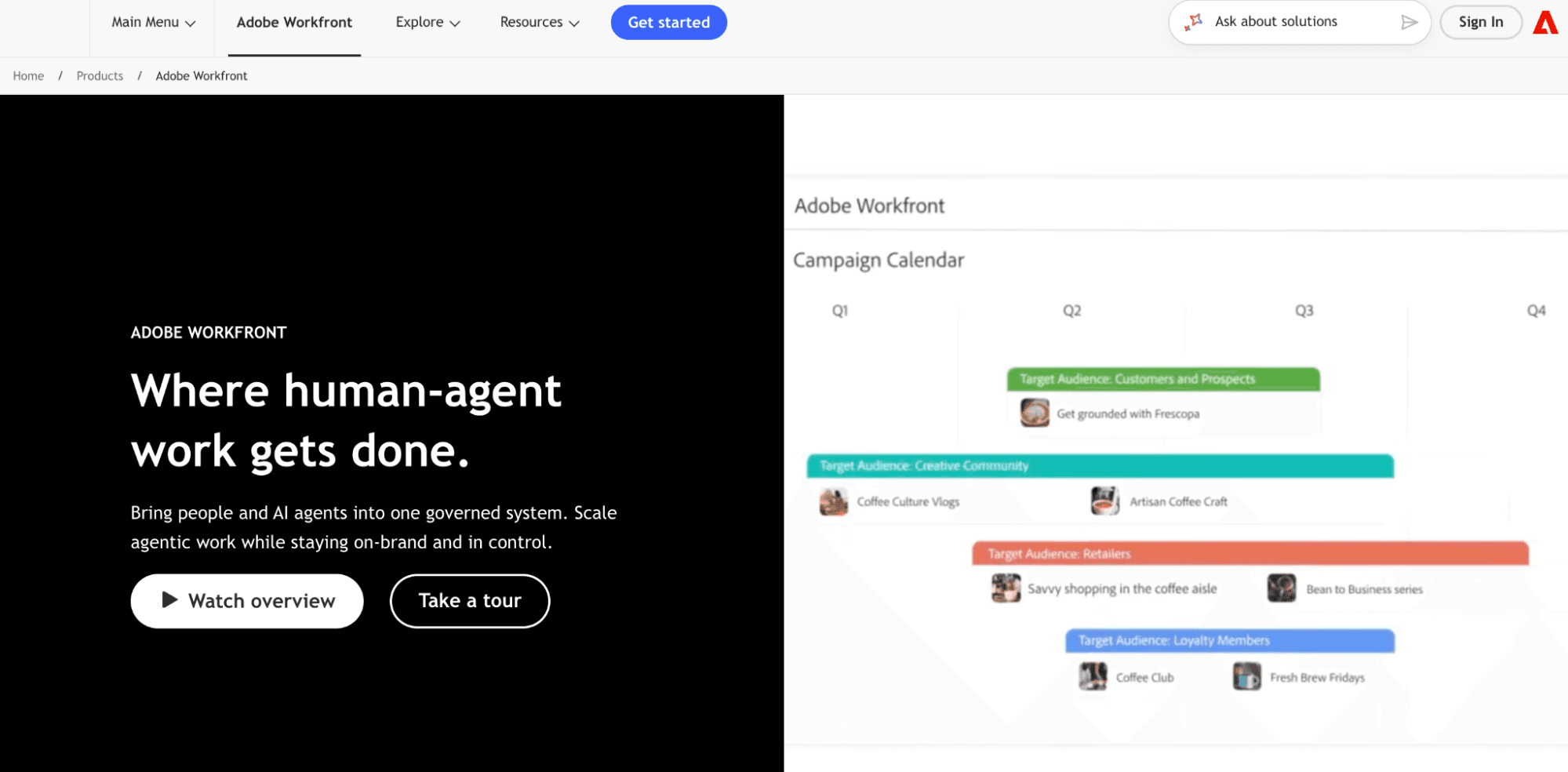
Best for: Organizations whose portfolio includes substantial marketing and creative production alongside project governance.
Adobe Workfront is a collaborative work management platform that pairs demand intake and approvals with resource scheduling, time tracking, and portfolio planning. Its “Prime” package adds strategic portfolio planning through business cases, alignment scorecards, and a portfolio optimizer, while the “Ultimate” package adds “Scenario Planner”, “Goals”, and “Workfront Fusion” for automation.
Versus Planview: Workfront overlaps on portfolio planning and resource scheduling and adds proofing and approval workflows for marketing production. It works closely with Creative Cloud and connects to Jira through integrations, so engineering-led PMOs may find Planview aligns more with their way of working.
Pros:
Built-in demand intake, approval, and proofing workflows
Strategic portfolio planning tools in the “Prime” package
Close ties to Adobe Creative Cloud
Cons:
“Scenario Planner” and “Goals” arrive only in the “Ultimate” package
Value concentrates in Adobe-centered and marketing-led portfolios
Best for: PMOs that need intake, approval routing, and workflow automation more than investment portfolio governance.
Wrike is a work management platform that plans and tracks project work. Its “Team” tier includes interactive Gantt charts, dashboards, calendars, and custom workflows, and Business adds request forms for intake, time tracking, workload charts, and approvals.
“Pinnacle” is where Wrike moves toward portfolio work, adding resource and capacity planning, budgeting, and advanced BI reporting.
Versus Planview: Wrike centers on workflow and intake, so it suits PMOs that favor process control over investment governance. Its financial features sit above the published-price tiers, and Jira sync comes through Wrike's two-way sync tools, which “Apex” bundles and other plans can add.
Pros:
Straightforward intake and approval workflows
Time tracking and workload charts at the “Business” tier
Two-way Jira sync through Wrike's sync tools
Cons:
Portfolio-level financial features sit in the “Pinnacle” tier
Better suited to process-heavy PMOs than to investment portfolio governance
Planview remains the stronger choice for organizations that need governance at full enterprise depth and have the capacity to run it. It combines demand and investment tools, scenario planning, financial tracking, and resource capacity in one platform, and it connects to systems such as SAP, ServiceNow, Workday, Jira, and Azure DevOps.
For a PMO with a mature governance process and a team to maintain it, that breadth is necessary.
The alternatives above make more sense when the effort of running Planview is more than what you need to get out of it.
If your board's questions span investment tradeoffs across many systems, and you have the admin capacity to support them, staying is a sound decision.
The decision to search for a Planview alternative comes down to effort and depth. If you don’t want to make tradeoffs on governance depth, Clarity and Planisware could be good alternatives.
Effort-wise, Atlassian Align and ServiceNow SPM fit organizations that don’t want to find a workaround to their existing ecosystems. Workfront fits marketing-led portfolios, while Smartsheet and Wrike suit PMOs that value speed.
Finally, Tempo Loop suits leaders who want a current view without migrating, and a recommendation when work drifts.
Whichever route you take, start by understanding what works best for your team.
Book a demo to see how Tempo Loop connects to your existing systems and flags drift before it reaches the board.
Tempo Loop
Direct every human, every agent, and every dollar to the work that matters most.
Book a demoCouldn't find what you need?Go to our documentation
Planview Portfolios is strategic portfolio management software that connects strategy to delivery across programs, resources, and investments. It combines demand tools, scenario planning, financial tracking, and capacity planning.
G2 reviewers report an average of about five months, and one implementation partner estimates twelve to twenty-four weeks for a portfolio-level rollout to reach go-live.
Yes. Planview Hub syncs Jira issues with Planview and passes updates such as status, priority, and assignee between the two tools.
Broadcom Clarity and Planisware cover similar ground on financial governance and resource management, and ServiceNow SPM does the same inside the ServiceNow platform. Tempo Loop takes a different route, adding drift detection and recommended fixes on top of the systems you already run.
Compare 6 Smartsheet alternatives for portfolio leaders and see which fits when the grid stops answering board questions.

Compare 5 Planisware alternatives for portfolio leaders. See which one checks all the boxes on your requirements list.

The best project portfolio management software reads status from where your teams work, catches drift, and carries decisions back to those platforms.

Compare seven Dotwork alternatives for enterprise portfolio management. See how they differ in AI, governance, integrations, and portfolio depth.

Six Clarity PPM alternatives for Jira teams, compared by integration depth, cost, and implementation time.
Planview vs Clarity compared on portfolio planning and financial control, plus how each handles delivery data and when Tempo Loop is the better fit.

When you can't see your portfolio clearly, the consequences ripple through every level of the organization.

Microsoft Project Online is retiring in 2026. Explore the transition timeline, risks of staying, and enterprise-grade migration options for PMOs.

The skills that project managers need to have can vary. Here are a few lessons on being a project manager that can help you with your PM career.


















